
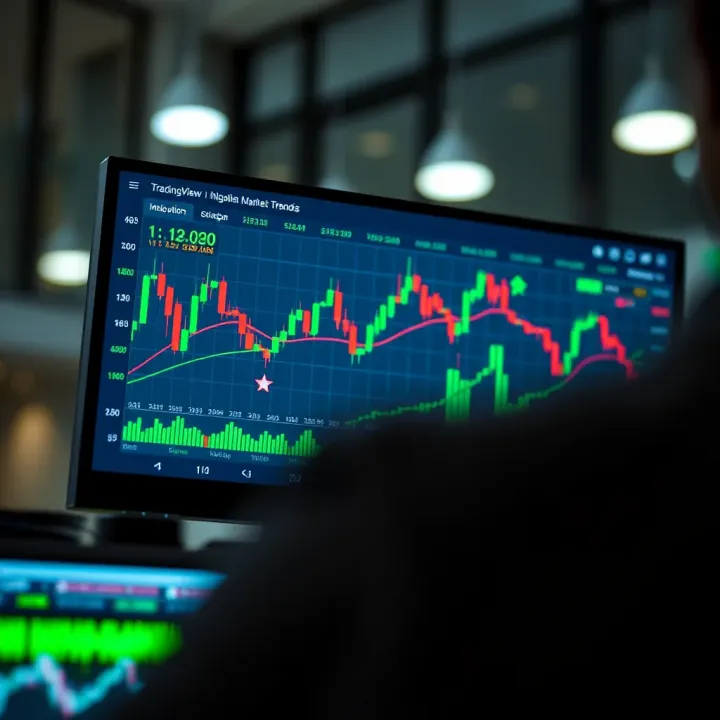
TradingView Guide for Nigerian Traders
Explore TradingView’s features, charts 📊, and broker integrations for Nigerian traders. Boost your strategies with tools & local market insights!
Edited By
Isabella Greene
TradingView charts have become a favourite tool for Nigerian traders who want to sharpen their market analysis and decision-making skills. Whether you trade Nigerian stocks, forex, or cryptocurrencies like Bitcoin and Ethereum, mastering TradingView charts can save you time and spot clearer opportunities.
At its core, TradingView offers real-time price charts packed with features such as technical indicators, drawing tools, and customised alerts. These tools help you track market trends, identify entry and exit points, and manage risks more effectively. For example, if you follow the NSE All-Share Index, you can overlay moving averages or RSI (Relative Strength Index) on the chart to confirm trends before making trades.
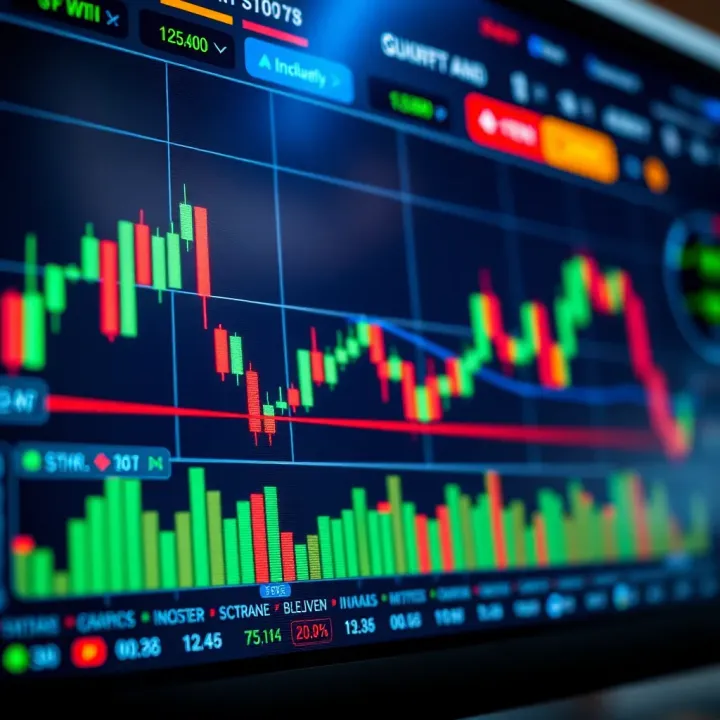
Customising charts to suit your trading style matters. You might prefer candlestick charts for short-term forex trading or line charts for a broad view of stock performance. Plus, using drawing tools like trendlines or Fibonacci retracements lets you mark support and resistance levels relevant to Nigerian markets.
Setting alerts on price levels is another practical feature. Suppose you’re watching the price of USD/NGN; you can set an alert to notify you when it reaches ₦750 or dips below ₦740. This way, you don’t have to constantly monitor the market during busy days or ember months when volatility can spike.
Mastering these chart features helps Nigerian traders make smarter decisions based on evidence, not just gut feeling.
To get started, focus on learning how to read basic chart patterns and apply indicators appropriate to your chosen market. Over time, you’ll build confidence and reduce losses. This guide will take you through practical steps to customise TradingView charts and use the most effective tools for local trading contexts.
Remember, no tool replaces disciplined risk management and ongoing market research. TradingView charts should complement your strategy, not replace due diligence. With a solid grasp of these charts, you stand a better chance of navigating the ups and downs of the Nigerian market.
Next, we will explore the essential elements of TradingView charts, including how to set timeframes, add indicators, and make the platform work for you in real trading scenarios.
TradingView charts serve as the backbone for effective trading decisions, especially for Nigerian traders navigating diverse markets. These charts provide real-time visual insights into price movements, trends, and market sentiment, enabling users to spot opportunities and risks early. For anyone serious about trading stocks, forex, or cryptocurrencies in Nigeria, getting acquainted with TradingView charts lays a solid foundation.
TradingView charts display market data graphically, using formats like candlesticks, bars, and lines. These visualisations help traders understand price action quickly without sifting through columns of numbers. Take candlestick charts, for instance: they reveal open, close, high, and low prices within a timeframe, which helps traders read market psychology and predict short-term moves.
The practical value of TradingView lies in its interactive tools. You can add indicators like moving averages or Relative Strength Index (RSI) to improve your analysis. Plus, the platform updates in real-time, which is critical in volatile markets where minutes or seconds can affect profit and loss. For Nigerian traders, this means staying ahead of market swings, whether on the Nigerian Exchange (NGX), forex pairs, or the dynamic crypto space.
TradingView provides detailed charts covering the NGX, where top Nigerian companies like Dangote Cement, Zenith Bank, and MTN Nigeria trade. For local investors and stockbrokers, this access translates to sharp insights into price trends and volume patterns for these shares. For example, a trader can monitor how Dangote Cement’s stock price reacts to earnings reports or policy changes in the Nigerian economy.
Such charts help you identify buying or selling pressure moments and make timely decisions. With the NGX actively influenced by factors like naira fluctuations, oil prices, and political developments, TradingView gives you a clear visual edge.
Forex trading remains popular among Nigerians, where traders often focus on currency pairs involving the Nigerian naira. TradingView tracks pairs like NGN/USD and NGN/EUR, essential for users wanting to capitalise on currency volatility driven by CBN policy changes or global market shocks.
Using TradingView charts, forex traders can quickly spot trends, resistance levels, and breakouts on NGN/USD. With naira exchange rates fluctuating due to factors like oil revenue and foreign remittances, real-time charting assists in making informed decisions before rates shift dramatically.
Nigeria ranks among the top African nations in crypto adoption, with platforms like Binance and Luno serving millions of Nigerians. TradingView’s cryptocurrency charts cover popular cryptos like Bitcoin (BTC), Ethereum (ETH), and stablecoins paired with the naira, helping traders time entry and exit points effectively.
Crypto markets are notoriously volatile; for Nigerian traders, monitoring charts with tools such as Bollinger Bands or RSI can signal moments to buy or sell. Particularly during ember months, when market activities spike across sectors, having reliable crypto charts ensures you don't miss market moves or fall victim to sudden drops.
Consistent use of TradingView charts empowers Nigerian traders with actionable insights across different markets. From stock prices on the NGX to forex trends and crypto swings, the platform’s visual tools make complex market data accessible and useful for real trading decisions.
Understanding how to navigate TradingView’s chart interface is key for Nigerian traders who want to make informed market decisions quickly. The interface offers several chart types and timeframes tailored to suit different trading styles—whether you’re day trading forex pairs like NGN/USD or analysing longer-term trends in the Nigerian Stock Exchange (NGX). Mastery of this interface helps you spot patterns, compare data, and react swiftly to price changes.
Candlestick, line, and bar charts serve distinct purposes in TradingView. Candlestick charts, popular among Nigerian traders, display open, high, low, and close prices within a chosen timeframe, making it easier to read market sentiment at a glance. For instance, during NGX market hours, candlesticks reveal daily price swings, helping you decide the best entry or exit point. Line charts offer a simplified look, connecting closing prices across periods—ideal for a quick overview of trends, especially when following forex moves. Bar charts combine features of both, although less used in Nigeria’s retail trading circles, they can offer detailed price action insights.
Timeframes like minutes, hours, days, and weeks let you zoom in or out on the market’s pulse. If you’re a scalper watching ₦/US$ moves, you might rely heavily on minute or hourly charts to catch small, fast opportunities. Swing traders focusing on Nigerian equities often prefer daily or weekly views to track broader trends and avoid the noise of short-term fluctuations. Navigating these views lets you align your strategy with current market conditions, ensuring your decisions fit your investment horizon.
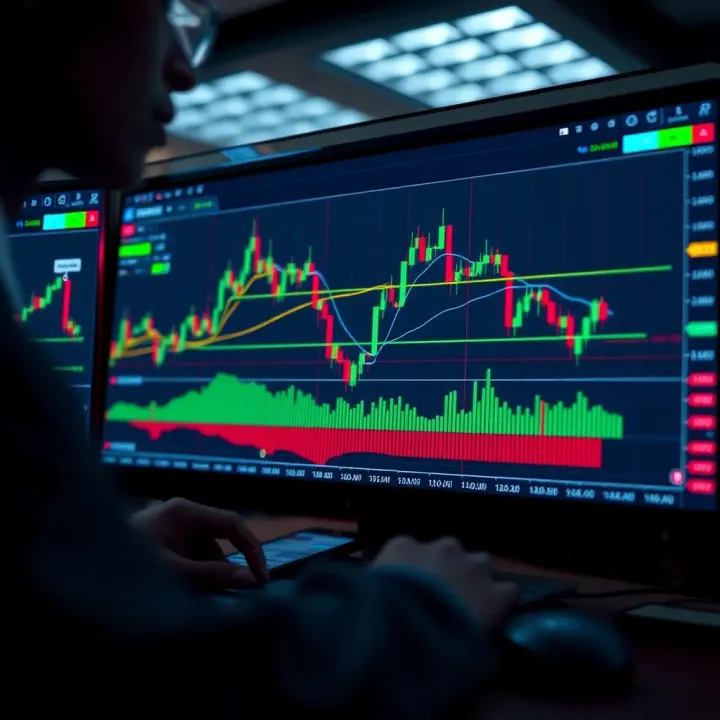
Saving templates on TradingView saves time by preserving your preferred settings—indicators, chart type, colour schemes, and even specific alerts. For example, if you favour RSI and moving averages on a candlestick chart when trading NGX stocks, saving this layout means you don’t have to reset everything each time you log in. This efficiency ensures you stay focused on analysing data instead of fiddling with settings.
Changing colours and themes goes beyond aesthetics; it affects comfort and clarity, especially during long trading sessions under Nigeria’s often unreliable power supply where screen brightness and colour contrast matter. Dark themes minimise eye strain when you work late in the ember months, while bright themes can be preferable in daylight. You can assign colours to different indicators or price bars to signal bullish or bearish moves quickly, speeding up your reading of complex charts.
Setting up multiple charts on one screen is especially useful when comparing assets simultaneously. Nigerian traders who deal with both forex and cryptocurrency markets can monitor NGN/USD pair alongside Bitcoin prices on separate charts within the same window. This setup improves context and helps spot correlations or divergences without constantly switching tabs. It’s a practical feature for traders juggling several markets in fast-moving environments.
Mastering the TradingView interface means working smarter, not harder. Whether you’re tweaking chart colours to reduce eye fatigue or switching between minute and weekly views, these skills improve your ability to respond quickly and trade confidently in Nigeria’s dynamic markets.
By investing time in navigating and customising TradingView charts, Nigerian traders gain an edge that supports better analysis, timing, and ultimately, more profitable trades.
Indicators and drawing tools are essential for Nigerian traders who want to make informed decisions on TradingView charts. These tools help analyse market trends, identify entry and exit points, and manage risks. Without properly using indicators and drawing tools, traders can easily get lost in noisy price movements or miss opportunities within the NGX, forex pairs, or crypto markets.
The RSI measures the speed and change of price movements, indicating whether an asset is overbought or oversold. For Nigerian traders, this is particularly useful during volatile periods like ember months, when market swings can be intense. For example, if the RSI for an NGX stock crosses above 70, it suggests the stock might soon face selling pressure. Conversely, a reading below 30 can indicate a buying opportunity.
Moving averages smooth out price data to help spot trends over time. The most common are the simple moving average (SMA) and the exponential moving average (EMA). Nigerian traders watching forex pairs like NGN/USD often use the 50-day and 200-day MAs to evaluate medium- and long-term trends. When a shorter MA crosses above a longer MA—a "golden cross"—it signals a potential upward move. Moving averages also act as dynamic support or resistance levels during price retracements.
Bollinger Bands add an upper and lower band around a moving average, reflecting volatility. For Nigerian traders exploring cryptocurrencies, these bands are handy for spotting price breakouts. When the bands narrow, it signals low volatility, suggesting a price surge may be coming. Prices touching the upper band might indicate overbought conditions, and touching the lower band may suggest oversold. This insight helps traders decide when to enter or exit positions.
On TradingView, you can easily add indicators by clicking the indicator button and searching the list. Nigerian traders should select indicators that fit their trading style, like RSI for momentum trading or moving averages for trend-following. Applying multiple indicators can give a fuller market picture, but avoid cluttering your chart which may confuse analysis.
Default indicator settings are a good start, but Nigerian market behaviour sometimes requires tweaking. For instance, adjusting RSI periods from 14 to 9 might make it more responsive to the fast-moving FX market. Changing moving averages from 50 to 70 days can better suit stocks with low liquidity. Customising parameters helps align indicators with your specific trading style and market.
TradingView allows saving indicator setups as templates. Nigerian traders benefit by creating templates tailored for different assets—one for NGX stocks and another for cryptocurrencies. This saves time and keeps chart analysis consistent. Instead of adding and adjusting indicators every session, you pick the saved template and start analysing right away.
Trendlines connect swing highs or lows to visualise the market direction. Drawing them on NGX shares or forex pairs helps traders spot when prices may break out or reverse. Channels form when two trendlines run parallel, identifying price boundaries. Recognising these helps manage entries and exits effectively.
Marking support and resistance zones identifies price levels where buying or selling pressures have historically appeared. For Nigerian traders, these levels often act like invisible walls. For example, if a stock repeatedly bounces off ₦300, that’s a clear support zone. Breaking resistance zones often leads to strong price moves, so watching these areas closely informs tactical decisions.
Fibonacci retracements help forecast potential reversal points by measuring price pullbacks. Applied on volatile crypto charts or NGX stocks, these retracements show key levels where prices might stall or bounce back. Common retracement levels are 38.2%, 50%, and 61.8%. Nigerian traders use these to place stop losses or target profits more precisely.
Using indicators and drawing tools effectively is like having a good road map in Lagos traffic — they guide you through complex paths and keep you on track to your destination.
Mastering these elements on TradingView charts helps Nigerian traders turn raw market data into actionable insights, improving their chances of profitable trading and better market timing.
Setting alerts on TradingView is a vital feature that helps traders monitor market movements and react swiftly without constant screen-watching. For Nigerian traders juggling busy schedules or navigating fast-moving markets like NGX or forex pairs such as NGN/USD, alerts save valuable time and help manage risk effectively.
Price and indicator alerts become essential when you want to capture the exact moment an asset hits a critical level, like a support or resistance zone. For example, if you've spotted a potential buying opportunity on the NGX All-Share Index at ₦50,000, setting a price alert ensures you get notified immediately when the index reaches that point without needing to stare at the charts all day.
Beyond price triggers, alerts can also be set for popular indicators such as RSI crossing below 30 to signal oversold conditions. These alerts help traders in Nigeria respond decisively, especially during volatile periods like the ember months when markets tend to fluctuate sharply.
TradingView allows you to tailor alerts with fine-tuned parameters. You can specify how often alerts trigger — whether once, every time a condition meets, or after a specific time interval. This flexibility is handy for following different trading approaches; for example, swing traders might prefer a single alert for a breakout, while scalpers need repeated notifications.
Besides frequency, you can define exact conditions, like alerting only when the price crosses above or below a certain level. Custom messages and expiry times add clarity and prevent alert fatigue. For instance, you could set an alert on BTC/NGN that expires after the volatile weekend to avoid unnecessary notifications when the market is closed.
TradingView synchronises alerts seamlessly across your desktop and mobile devices, ensuring you never miss critical market moves, no matter where you are. This feature is particularly useful for Nigerian traders who might start their analysis at home using a laptop but switch to their phone while commuting via okada or danfo.
Once an alert triggers on one device, it also notifies you on others logged into your account. This smooth handover means you can confidently step away from your desk and still stay fully informed about your trades.
You can customise alert notifications with different sounds and delivery methods such as email, popup, or app push notifications. Selecting distinct alert sounds helps you recognise the type of alert instantly, especially when multiple alerts are active.
In Nigeria, where noisy environments like markets or busy streets are common, having loud and unique notifications can prevent missing signals. You can also opt for silent alerts with emails during quiet times or at night. The ability to adjust these settings offers a practical way to stay connected without being overwhelmed.
Effective use of TradingView alerts streamlines trading decisions, reduces missed opportunities, and improves discipline for Nigerian traders facing fast markets and busy lifestyles.
Mastering TradingView for Nigerian traders goes beyond knowing how to read charts; understanding how to integrate it with local market realities is vital. Practical tips help bridge the gap between global tools and the Nigerian trading environment, making your insights actionable and timely.
Many Nigerian brokers now support API connections or links with TradingView, allowing seamless trade execution directly from the chart interface. For instance, platforms like Chaka and Trove enable investors to track NGX stocks on TradingView and place orders without switching apps. This integration reduces delays, especially during volatile market moments often seen around quarterly earnings or economic updates from CBN.
However, not all brokers are compatible. Check with your broker if they provide TradingView connection or at least flexible export options for your analysis. Some brokers allow you to export charts or signals which you can review side-by-side with your brokerage dashboard. For traders using forex brokers in Nigeria, such as FXTM or HotForex, linking your live data feeds ensures your TradingView charts reflect true mid-market rates, helping you avoid stale data traps.
The Nigerian Exchange (NGX) operates mainly between 9:30 am and 2:30 pm WAT on weekdays. Aligning TradingView alerts and chart timeframes with this schedule sharpens trading precision. For example, setting indicators to daily candles with 10-minute intraday views helps capture price swings within the trading session.
Traders should also watch out for pre-market and post-market news and spikes. Since global markets influence NGX, watching international forex and commodities data on TradingView outside NGX hours prepares you for sudden price moves once the local market opens. Remember, some forex pairs involving the Nigerian naira (NGN/USD, NGN/GBP) trade round the clock on offshore platforms; syncing these with NGX sessions reduces confusion.
TradingView stores your chart layouts and alerts on the cloud, but Nigerian traders must remain cautious with their login details. Use strong, unique passwords and enable two-factor authentication where possible. This habit keeps your trading setup safe, particularly if you use public Wi-Fi or shared computers, common in cybercafes across Lagos or Abuja.
Furthermore, regularly back up your customised indicator settings and templates locally. This precaution ensures you don’t lose months of fine-tuned analysis if your account faces access issues. Export your chart setups or notes to offline files for record-keeping and ease of reference.
Keeping your data secure and syncing your analysis with Nigerian market cycles transforms TradingView from just a charting tool into a practical trading partner tailored to Nigeria’s unique financial landscape.
In summary, connecting TradingView to Nigerian brokers, syncing with NGX hours, and practising sound data security sharpens your trading experience. These steps reduce friction, prevent costly delays, and position you to react to market moves with confidence.
Explore TradingView’s features, charts 📊, and broker integrations for Nigerian traders. Boost your strategies with tools & local market insights!
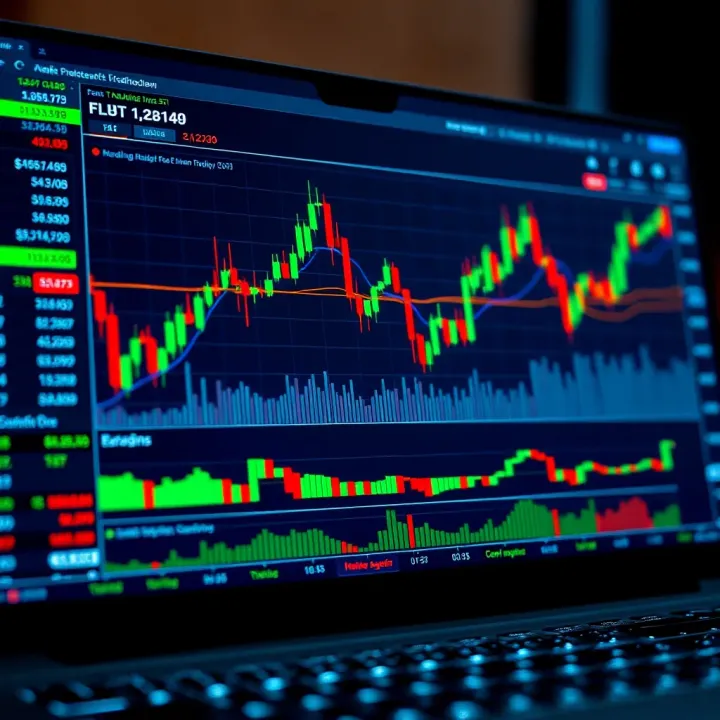
📊 Learn how Nigerian traders can effectively combine TradingView’s charts with Deriv’s platform for smarter trading decisions. Step-by-step tools and tips inside!
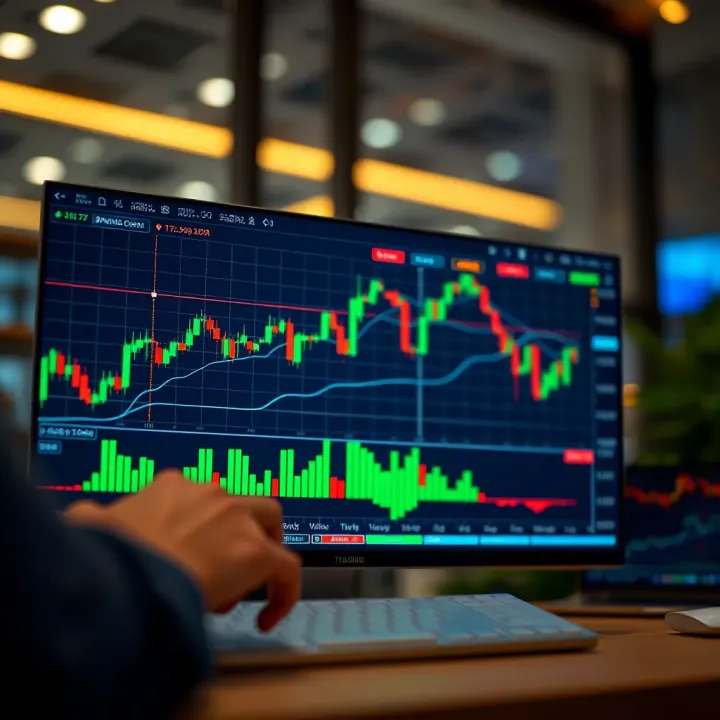
📈 Learn to integrate TradingView charts and widgets into your apps with step-by-step tips, customization ideas & best practices tailored for Nigerian devs.
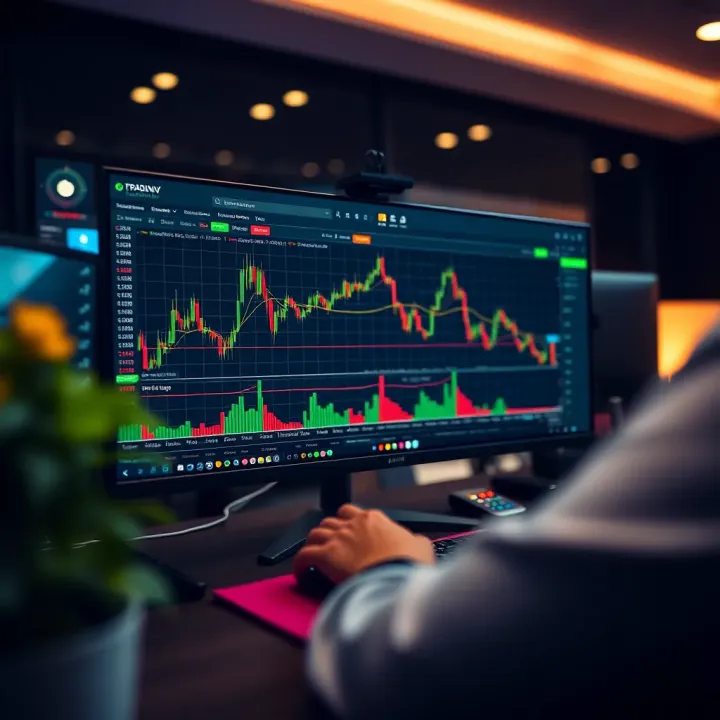
Master TradingView.com charts with our practical guide 📈. Learn how to set up, analyze, and customize charts for smarter trading decisions.
Based on 9 reviews